Shopify Payment Gateway: The Complete Guide to Choosing the Best Solution for Your Store
Best dropshipping payment gateway
Author: Baptiste
Contents
Launching an online store on Shopify and want to get paid fast, without headaches or unpleasant surprises? A Shopify payment gateway is far more than a technical checkbox. It’s the backbone of your revenue, customer trust, and long-term growth.
You’re probably asking:
Which Shopify payment method should I choose to avoid losing sales?
Does Shopify have its own payment gateway, or do I need a third-party provider?
How does the Shopify payment gateway work, and can I set it up without being a tech expert?
What fees should I expect, and how can I avoid the traps that hurt profitability?
In this guide, we go straight to the point:
You’ll learn what a Shopify payment gateway is, how it works, and how to set up a payment gateway on Shopify step by step.
We compare the best Shopify payment gateways, with clear pros and cons focused on security, simplicity, and conversion.
You’ll get practical tips to boost sales from your first orders, no jargon, just what matters.
Whether you’re a beginner, an experienced merchant, or a dropshipper searching for the best payment gateway for Shopify, this guide is for you. Ready to get paid more, and reassure your customers? Let’s dive in.
What Is a Shopify Payment Gateway?
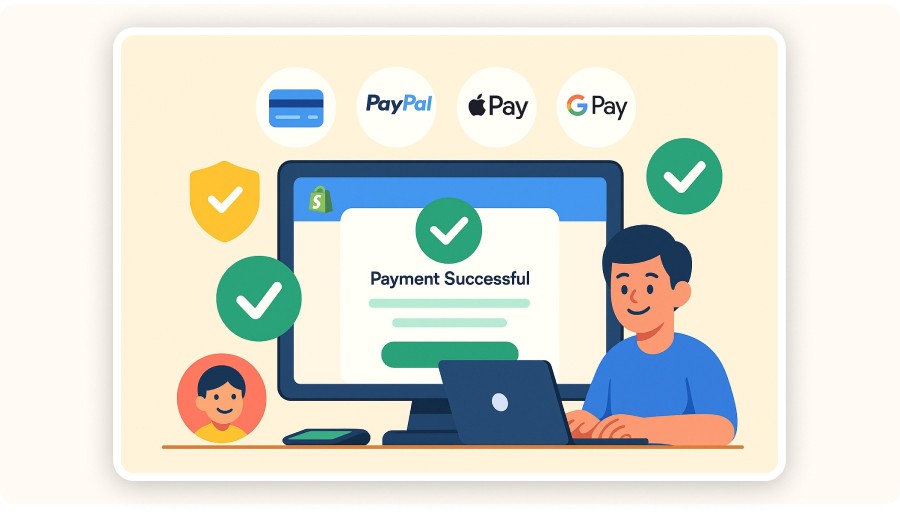
A Shopify payment gateway is the system that lets you accept payments securely on your online store, directly from your website. From a customer’s perspective, a successful Shopify checkout must be fast, reassuring, and frictionless. That’s why the payment gateway is a key conversion lever.
Forget the idea of a simple “Pay” button. The gateway handles the entire payment flow, from card entry to funds reaching your bank account, securely and smoothly, even if you’re not tech-savvy.
On Shopify, you have two main options:
Activate Shopify Payments (Shopify’s built-in solution, quick to set up), or
Connect a third-party gateway like Stripe, PayPal, Amazon Pay, or local payment methods based on your customers’ location.
A strong Shopify payment gateway reassures buyers at the exact moment they pull out their card—and protects your sales against fraud. Card data stays secure, checkout takes just a few clicks, and you can offer multiple options: credit cards, installments, Apple Pay, Google Pay, or bank transfers.
In short: installing a Shopify payment gateway is essential to sell online and deliver a professional, trustworthy checkout experience, whether you’re dropshipping or running a classic e-commerce store.
How Does the Shopify Payment Gateway Work?
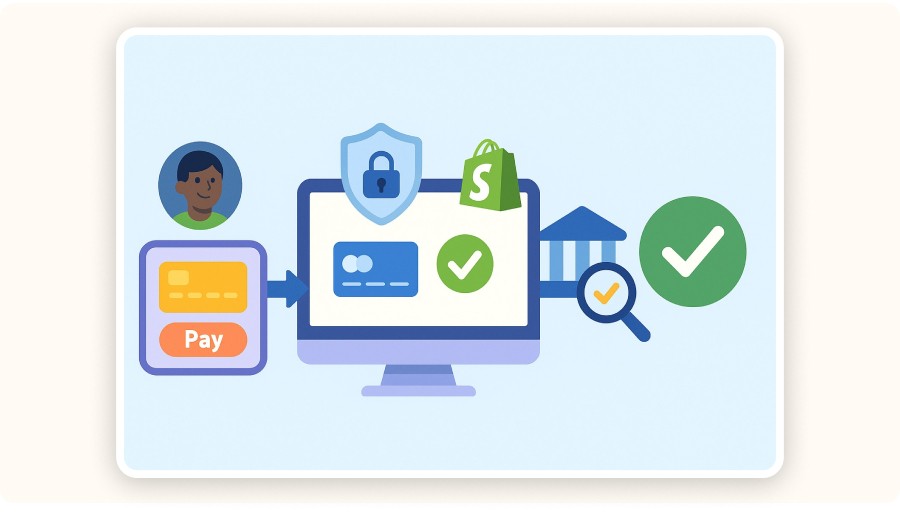
On Shopify, the payment gateway process is simple, but strategically critical. When a customer checks out, the Shopify payment gateway secures every step of the transaction.
Here’s what happens in practice:
The customer chooses a payment method (card, PayPal, Apple Pay, etc.).
The gateway encrypts and transmits the payment data, everything is protected (PCI DSS encryption).
The bank or payment processor verifies the transaction in real time, including fraud checks and 3D Secure if required.
Payment is approved, and funds are transferred to your merchant account, typically within 1–3 business days, depending on the provider.
You can go even further with advanced options:
Offer installments or subscriptions (recurring payments),
Sell internationally with multi-currency support,
Provide a wide range of wallets or local payment methods.
This invisible system boosts conversion and builds trust. It’s the difference between an “amateur” site and a professional e-commerce or dropshipping store.
Bottom line: a Shopify payment gateway handles payments and data security end to end, so you can focus on selling, retaining customers, and scaling your business.


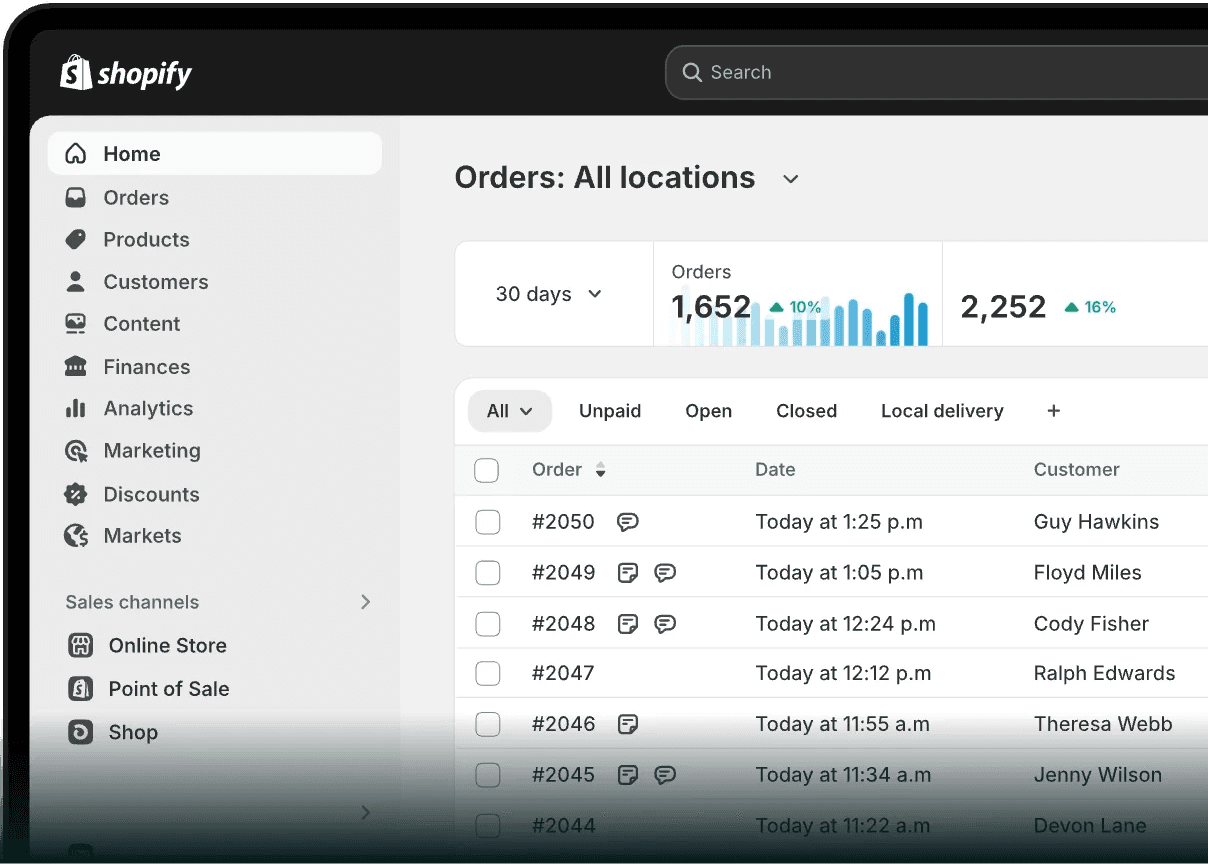
How to Add and Set Up a Payment Gateway on Shopify
How to add a payment gateway in Shopify is simpler than you think, even if you’re just starting out. Everything happens inside your Shopify admin, with no coding required. Follow these steps:
Access your Shopify admin
Log in, then go to Settings > Payments. This is where you manage all compatible payment gateways.
Choose your payment gateway
Enable Shopify Payments for the fastest setup, or select a third-party option like PayPal, Stripe, Amazon Pay, or a local gateway based on where you sell.
Connect your bank account
Enter your banking details to receive payouts. With Shopify Payments, setup is quick with automatic verification. Other providers may ask for identity checks (ID, bank proof).
Activate and test the gateway
Place a test order to confirm everything works, from payment entry to funds landing in your merchant account.
Offer multiple payment options to increase sales
The more choice you give customers (cards, wallets, local methods), the higher your conversion rate. You can enable multiple gateways if needed.
That simplicity is why Shopify is so popular: you control your entire payment setup without technical stress. You can add, remove, or switch gateways anytime as your store evolves.
With a smart setup, you deliver a smooth, secure checkout, and get paid with confidence.
Shopify Payments vs. the Best Payment Gateways for Shopify
Choosing among Shopify payment gateways can feel overwhelming. The options are many, the promises sound similar, and each solution comes with clear strengths, and real trade-offs.
To help you decide, here’s a clear comparison of the most widely used payment gateways for Shopify, with a practical focus on how they work, what they do best, and what to watch out for.
1. Shopify Payments
Shopify Payments is Shopify’s built-in, official solution, and there’s a reason it’s so popular.
Why merchants choose it
No additional transaction fees (bank fees still apply)
Instant activation from your Shopify admin, no paperwork
Wide range of payment methods: credit/debit cards, Apple Pay, Google Pay, Shop Pay, installments
Centralized payouts and reporting inside Shopify
Things to keep in mind
Not available in every country
Shopify controls the account (possible holds in case of disputes or suspected fraud)
Best for sellers who want the simplest Shopify payment gateway with fast setup and clean operations.
2. Stripe
Stripe is a favorite for stores selling internationally or offering subscriptions.
Strengths
Accepts 135+ currencies
Subscriptions and recurring payments
Powerful API for advanced checkout customization
Supports many local methods and wallets (Bancontact, SEPA, etc.)
Fast payouts and detailed reporting
Watch out
Setup can be more technical
Fees vary by country and volume
Ideal if you’re asking how to integrate a payment gateway in Shopify for global sales or SaaS-style billing.
3. PayPal
PayPal remains a must-have for trust, especially on mobile and international checkouts.
Why it works
Globally recognized and trusted
One-click checkout (PayPal One Touch)
Very easy to add to Shopify
Strong conversion booster in the US and abroad
Downsides
Fees can add up quickly
Dispute handling and support can be frustrating
Often used alongside another Shopify payment gateway to maximize conversions.
4. Square
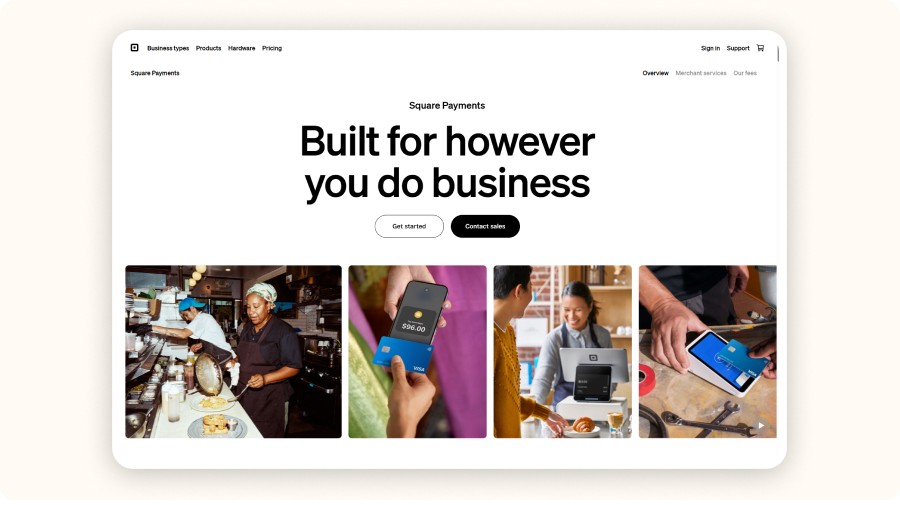
Square shines for merchants who sell both online and in person.
Key advantages
Unified in-store and online payments
Built-in tools for inventory, reporting, and payment tracking
Excellent mobile POS experience
Limitations
Limited country availability
Some advanced features mainly benefit US/Canada merchants
A solid option if you’re blending retail with e-commerce on Shopify.
5. Braintree (by PayPal)
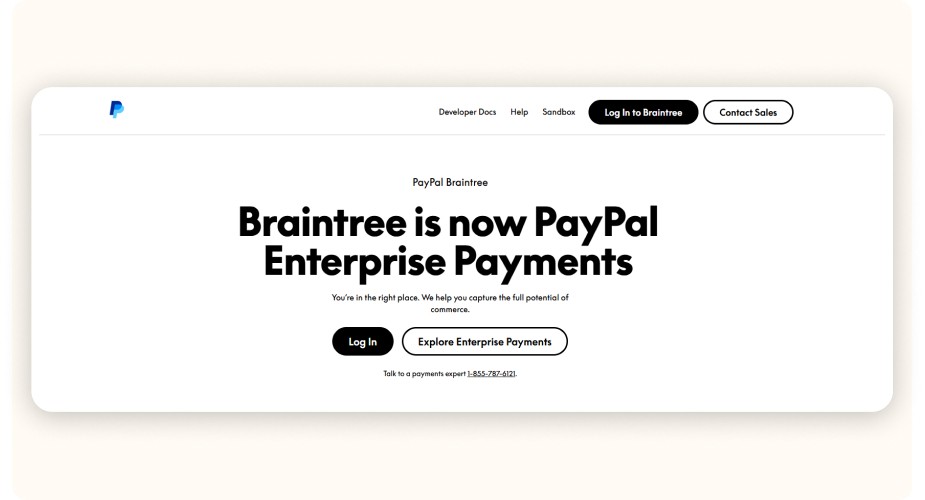
Braintree focuses on flexibility and modern payment experiences.
Pros
Accepts cards, PayPal, Apple Pay, Google Pay
Supports subscriptions and recurring billing
Clean, modern interface
Great for younger, wallet-first audiences
Cons
More technical setup
Variable pricing based on volume
Useful if you want multiple payment options inside one Shopify payment gateway.

6. Authorize.Net
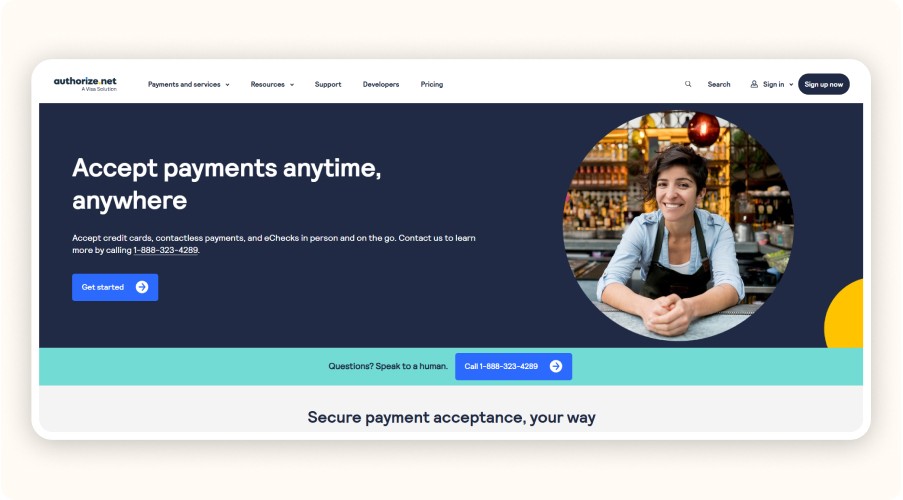
A long-standing, trusted solution, especially in the US.
Strengths
Advanced fraud prevention tools
Rock-solid infrastructure
Supports subscriptions and recurring payments
Weak points
Dated interface
More complex setup for beginners
Best for high-volume US stores that prioritize security and stability.
7. Worldpay
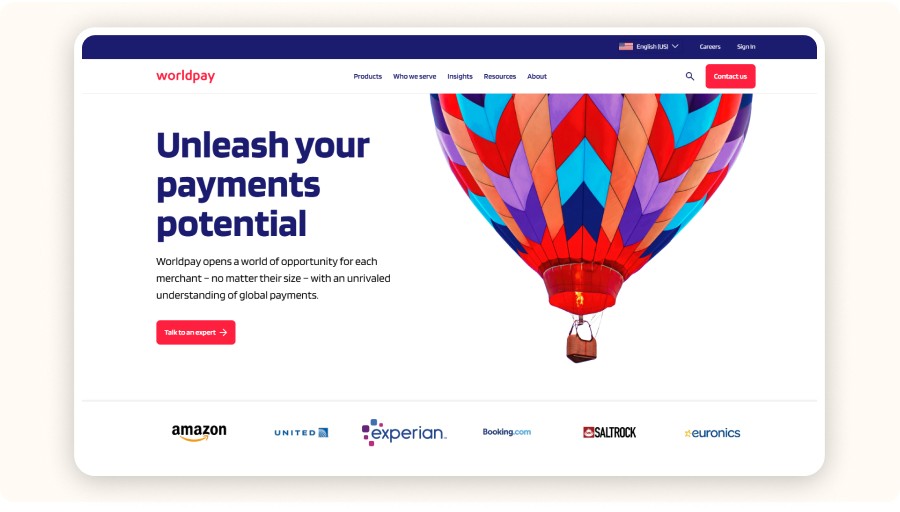
Worldpay stands out for its international reach and custom pricing.
Why consider it
Operates in 100+ countries
Supports many local payment methods
Tailored offers for large merchants
Things to anticipate
Pricing isn’t always transparent
Onboarding can take several days, depending on the country
A strong option for enterprises selling globally on Shopify.
8. Amazon Pay
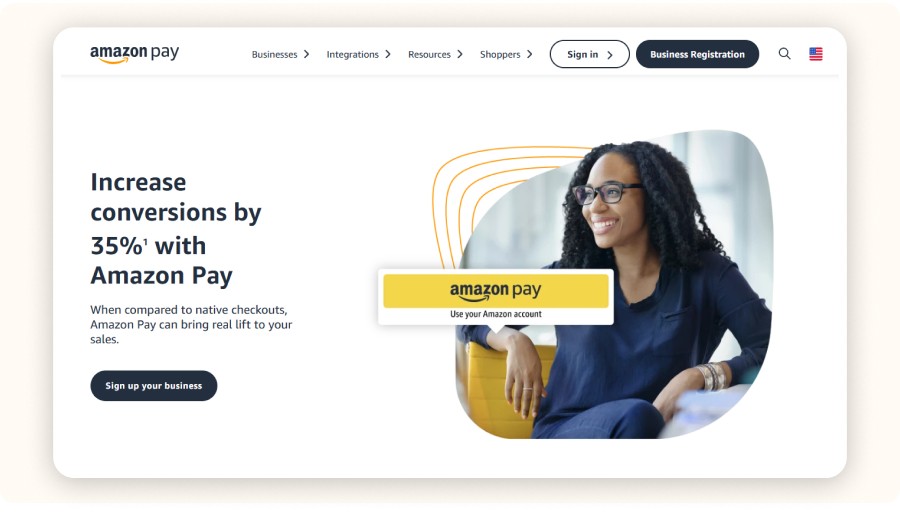
Amazon Pay leverages customers’ existing Amazon accounts to speed up checkout.
Benefits
One-click payments with saved Amazon details
High trust and strong mobile conversion
Familiar, secure checkout experience
Limitations
Per-transaction fees
Some product categories aren’t accepted by Amazon
Great for reducing friction and boosting trust, especially with Amazon-savvy shoppers
9. Skrill

Skrill stands out for its low fees and how easy it is to accept payments in 40+ currencies, a solid option if you sell across Europe.
Why merchants like it
Fast payouts
Great for expanding payment options (especially in Europe)
Strong multi-currency support
Keep in mind
Less well-known with mainstream shoppers, so it may convert lower than PayPal
Customer support can be hit or miss
10. Opayo / Klarna

Opayo (formerly Sage Pay) and Klarna are popular for buy now, pay later and installment payments, which can be a big deal in Europe.
Why it works
Helps increase AOV and reduce cart abandonment
Klarna: strong in fashion, accessories, younger audiences
Opayo: widely used in the UK
Before you activate it
Double-check Shopify compatibility for your country and product category
Review restrictions (some industries and risk profiles may be limited)
Quick Comparison Table: Top 10 Shopify Payment Gateways
Payment Gateway | Best For | Key Strengths | Watch Outs |
|---|---|---|---|
Shopify Payments | Fast setup + native integration | No extra Shopify fees, easy activation, cards + Apple Pay/Google Pay/Shop Pay, installments | Not available everywhere, Shopify can place holds |
Stripe | International + advanced use cases | Multi-currency, subscriptions, flexible API, many local methods | Can be more technical, fees vary by country/volume |
PayPal | Trust + international buyers | Familiar brand, quick setup, fast checkout | Fees add up, disputes/support can be frustrating |
Square | Retail + online | In-person + online payments, strong POS tools | Limited availability, some features US/CA-focused |
Braintree | Recurring billing + wallets | Cards + PayPal + Apple/Google Pay, subscriptions | More technical setup, pricing varies |
Authorize.Net | US stores + high volume | Robust and secure, strong fraud tools | Older interface, setup can be complex |
Worldpay | Global stores | 100+ countries, local payments, enterprise options | Pricing can be unclear, onboarding may take time |
Amazon Pay | Fast checkout for Amazon users | Familiar login, great mobile conversion | Category restrictions, per-transaction fees |
Skrill | European buyers + lower fees | Low fees, fast transfers, 40+ currencies | Lower brand awareness, support quality varies |
Opayo / Klarna | Installments (UK/EU) | Pay later / split payments, boosts AOV | Mainly UK/EU, compatibility varies |
Every Shopify payment gateway comes with trade-offs: fees, setup complexity, support quality, payout speed, and buyer trust. Compare, test, and stick with what your audience actually uses.
How to Choose the Right Shopify Payment Gateway
The best choice depends on:
Your market: France, Europe, US, international?
Your model: dropshipping, classic e-commerce, subscriptions?
Your priorities: simplicity, cost, multi-currency, local methods, payout speed, fraud protection
Practical tip: enable at least two options (for example, cards + PayPal or cards + Klarna), then review performance data and adjust. Payment preferences change quickly, especially by country.
A well-chosen Shopify payment gateway can be the difference between a completed sale… and a lost checkout.
Best Practices to Get Paid on Shopify Without Stress

No more complications! Here's what sets apart a successful Shopify store from one that struggles at checkout.
Offer multiple payment options (and save more carts)
Give shoppers flexibility: cards, PayPal, Apple Pay, Klarna, installments… so they can pay the way they prefer. More options usually means:
fewer hesitations at checkout
lower cart abandonment
higher conversion, especially on mobile and international traffic
Make checkout security non-negotiable
Shopify uses PCI standards, but you still need clean habits:
Turn on 2FA for admin accounts
Remove unused staff access
Monitor Shopify risk alerts and chargeback patterns
Use strong passwords and limit permissions
Speed wins: if checkout feels slow, shoppers bounce
To keep checkout friction low:
Enable accelerated checkout (like Shop Pay when possible)
Remove unnecessary fields
Show payment logos early (cart + checkout)
Test everything on mobile, clarity matters more than design
Think international, even if you start in your country
If customers want their currency or local methods:
Choose a Shopify payment gateway that supports multi-currency cleanly
Test the checkout experience country by country
Add local options where it makes sense
Track performance, test, and adapt
What works today may drop tomorrow:
Watch conversion rate and cart abandonment
Review customer feedback on checkout friction
Add/remove methods based on real data
Shopify Transaction Fees: How They Work (and How to Reduce Them)

Selling more is great, but keeping more per order is better. Transaction fees can quietly eat your margins, especially with small carts or dropshipping.
What fees can show up on Shopify?
Shopify platform fees: if you don’t use Shopify Payments, Shopify charges an extra fee per sale (up to ~2% depending on plan)
Gateway processing fees: each provider (Stripe, PayPal, etc.) adds its own fee, often ~1.4%–3.4% + a fixed amount
Extra costs: currency conversion, refunds, disputes/chargebacks, these vary by provider
How to reduce fees and protect margins
Use Shopify Payments when available (it removes Shopify’s extra transaction fee)
Re-check provider pricing regularly (rates can change by country and volume)
Push card payments when cheaper than certain wallets (depends on market)
Improve conversion rate, higher volume can reduce the impact of fees per order
Make FX costs visible and plan for conversion fees in international markets
If you monitor fees monthly, you’ll often find easy savings, especially in dropshipping or low-ticket catalogs
How to Choose the Best Shopify Payment Gateway for Your Business

Choosing the right shopify payment gateway isn’t about copying a competitor or picking what “sounds popular.” It’s about matching your goals, your audience, and your business model. Here are the key questions to ask so you choose a shopify payment gateway that’s profitable, reliable, and built for your store.
1) Who are your customers?
French customers: card payments (CB, Visa, Mastercard) are still essential, but PayPal and “pay in installments” options are also very popular.
International customers: add trusted local methods in each target country (iDEAL in the Netherlands, Bancontact in Belgium, Sofort in Germany, etc.). Choose a shopify payment gateway that supports multiple currencies and clearly displays conversion fees.
If you’re wondering what payment gateway Shopify use, Shopify’s native option is Shopify Payments, but you can also connect plenty of third-party gateways depending on your market.
2) What’s your business model?
Dropshipping or classic e-commerce: prioritize simplicity, security, and fast payouts. Shopify Payments is often the fastest way to start, so if you’re asking if Shopify has a payment gateway, yes: Shopify Payments is its built-in solution. Still, keep a backup option like PayPal to protect conversions.
Subscriptions or recurring revenue: Stripe or Braintree are usually better choices because they handle automated billing smoothly. If you’re asking how Shopify payment gateway works for subscriptions, the gateway handles authorization, recurring charges, and payouts, while Shopify manages the checkout flow and order logic.
3) What do customers expect at checkout?
Speed and simplicity: express checkout, fewer fields, payment logos visible early.
Security: trusted brands, 3D Secure where relevant, clear data protection messaging.
Choice: more options = fewer drop-offs at the payment step.
This is where the right shopify payment gateway can directly reduce cart abandonment.
4) What are your sales volumes and growth plans?
If you’re just starting, don’t activate 10 gateways. Start with 2–3, test, then expand based on data.
If you’re scaling, compare fees regularly and negotiate, many providers offer custom rates once you hit a certain volume.
5) What are your technical and admin constraints?
Some providers require detailed verification and can take longer to approve. Before you commit, confirm:
The integration is compatible with Shopify
Setup won’t take days of back-and-forth
Ongoing management is simple (refunds, disputes, reporting)
If you’re looking for a practical starting point and asking what is the best payment gateway for Shopify, Shopify Payments + PayPal is often the strongest “safe” combo for most stores. Then add local methods (or BNPL) once you see where your buyers come from.

Conclusion
Choosing the right shopify payment gateway isn’t a minor technical detail, it’s the foundation of your store’s performance. A checkout that’s fast, simple, and reassuring means more completed orders, fewer abandoned carts, and stronger customer trust.
Whether you’re dropshipping or running a classic e-commerce brand, your payment setup can be the difference between a store that stalls… and a store that scales.
Remember:
Compare fees and features across major options (Shopify Payments, Stripe, PayPal, etc.)
Offer enough payment choices for both local and international customers
Never compromise on security and ease of use, this protects your revenue and keeps customers coming back
At this point, you know how to choose, configure, and optimize your Shopify payments setup. Test, track, adjust, and watch conversions climb.
FAQ
What is a Shopify payment gateway?
A Shopify payment gateway is the system that securely processes customer payments on your store. It encrypts card data, verifies transactions, prevents fraud, and transfers funds to your bank account.
What payment gateway does Shopify use?
Shopify uses Shopify Payments as its built-in payment gateway. It is powered by Stripe and allows merchants to accept credit cards, debit cards, Apple Pay, Google Pay, and Shop Pay without extra Shopify transaction fees.
How do I add a payment gateway to Shopify?
To add a payment gateway to Shopify, go to Shopify Admin > Settings > Payments, choose a payment provider, connect your account, and activate it. You can enable Shopify Payments or add third-party gateways like PayPal or Stripe in just a few minutes.
What's the best payment provider to use on Shopify?
The best payment provider on Shopify depends on your business model. Shopify Payments is best for simplicity and lower fees, Stripe is ideal for subscriptions and international sales, and PayPal is great for boosting trust and mobile conversions.
Is Stripe or Shopify Payments better?
Shopify Payments is usually better for most merchants because it removes Shopify’s extra transaction fees and is easier to manage. Stripe is better if you need advanced customization, subscription billing, or sell in countries where Shopify Payments isn’t available.
Similar articles